
AI-POWERED RESTAURANT OPERATING SYSTEM
NaRestro: the AI-powered restaurant operating system your guests actually enjoy using
NaRestro is an AI-powered restaurant operating system that replaces the paper menu, the shouted ticket and the runner with one connected system: a guest app, a kitchen display, a waiter and floor app, and an owner dashboard.
ONE CONNECTED SYSTEM
From the table to the kitchen to the waiter
Guests scan a QR code at their table and order from a menu in their own language, with no app to download or install. The order shows up on the kitchen display as soon as it is placed, and the waiter's phone alerts them when the dish is ready.
NaRestro is live at Latte Global Cafe, Visakhapatnam.
Talk to our team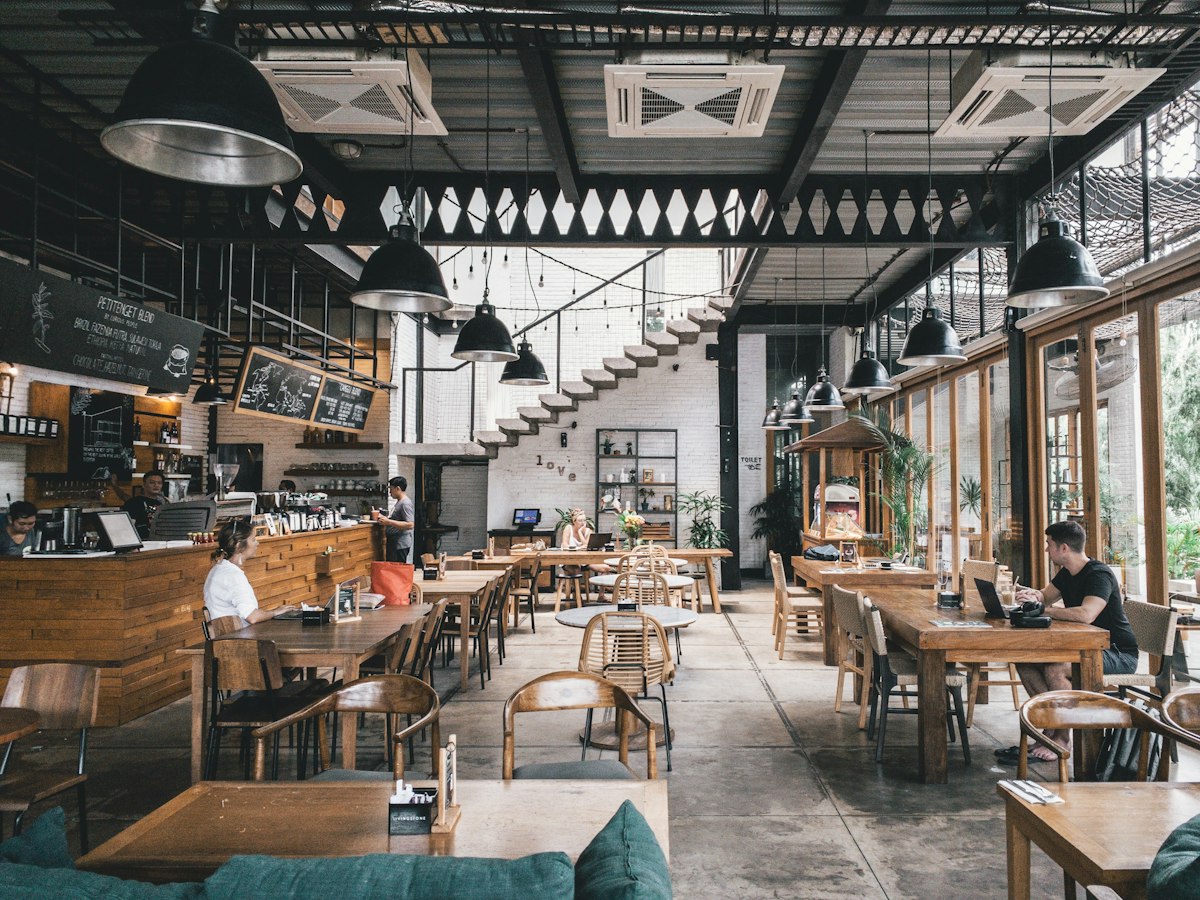
FOR YOUR GUESTS
A menu guests enjoy using
QR ordering at every table
Guests scan the code on their table and order straight away. There is no app to download or install.
English, Telugu and Hindi
Dish names, descriptions and stories are translated together, so the menu reads naturally in the guest's language.
Diet filters and search
Diet filters are on by default and built-in search helps guests find a dish quickly.
Dish stories, narrated aloud
Guests can hear the story of a dish narrated aloud in their own language.
Live order tracking
Guests follow their order live, so they always know where it stands.
Promotions on the menu
Promotions you set up in the dashboard appear in the carousel on the guest menu.
HOW IT WORKS
From order to table in four steps
01
Guest scans and orders
The guest scans the QR code at the table and orders from the menu. No app needed.
02
Kitchen sees it at once
The order appears on the kitchen display as soon as it is placed, and a chime alerts the kitchen.
03
Waiter gets an alert
When a dish is marked ready, the waiter's phone alerts them by name and table.
04
Owner stays in control
Menu, tables, staff, promotions and live orders are managed from one dashboard.
FOUR CONNECTED APPS
One system, four views
Guest
Scan, browse in English, Telugu or Hindi, filter by diet, hear dish stories and track the order live.
Kitchen
The kitchen display shows each order as soon as it is placed. Accept it, bump it, or recall a mis-tap.
Floor and waiters
Waiters get a phone alert when a dish is ready, by name and table. Manage the floor plan, tables and staff.
Admin
One owner dashboard for menu, tables, staff, promotions and live orders.
Simple to start, simple to run
No commission
No per-order commission, ever.
Flat monthly plan
One plan per location, everything included.
No app to install
Guests just scan the QR code at the table.
Live in days
Get up and running quickly.
HONEST BY DESIGN
Guests can trust what they see
AI-generated dish photos and stories are labelled as such on the guest menu. Real kitchen photos always take priority over generated ones, and the ratings and review counts shown are the restaurant's real numbers.
Labelled
AI-generated photos and stories are marked on the menu
Real first
Real kitchen photos take priority over generated ones
Real numbers
Ratings and review counts are the restaurant's own
COMMON QUESTIONS
NaRestro FAQs
What is NaRestro?
NaRestro is the AI-powered restaurant operating system your guests actually enjoy using. It replaces the paper menu, the shouted ticket and the runner with one connected system made of four apps: guest, kitchen, floor and admin.
How do guests order, and do they need to install an app?
Guests scan the QR code on their table and order from there. There is no app to download or install.
Which languages does the guest menu support?
English, Telugu and Hindi. Dish names, descriptions and stories are translated together, and dish stories can be narrated aloud in the guest's language.
What can guests do on the menu?
Diet filters are on by default and there is built-in search. Guests can listen to dish stories, follow their order with live tracking, and see the promotions you add in the menu carousel.
How does the kitchen display work?
Each order appears on the kitchen display as soon as it is placed, and a chime alerts the kitchen. The kitchen can accept an order, bump it, or recall it if it was a mis-tap.
How are waiters alerted?
When a dish is marked ready, the waiter's phone gets an alert with the dish name and the table. Floor plan, tables and staff are managed in NaRestro too.
What can I manage from the owner dashboard?
One dashboard covers your menu, tables, staff, promotions and live orders.
Are the dish photos and stories real?
NaRestro is AI-powered, so some dish photos and stories are AI-generated. These are labelled as such on the guest menu, and real kitchen photos take priority over generated ones. The ratings and review counts shown are the restaurant's real numbers.
Are the dish photos and stories real?
NaRestro is AI-powered, so some dish photos and stories are AI-generated. These are labelled as such on the guest menu, and real kitchen photos take priority over generated ones. The ratings and review counts shown are the restaurant's real numbers.
How is NaRestro priced, and does it handle payments or billing?
NaRestro is one flat monthly plan per location, with ordering, the kitchen display, the waiter app and the owner dashboard included, and no per-order commission. Payments, billing and integrations with other systems are not part of what we describe here, so please ask us if you need them.
How quickly can we go live, and how do I get started?
Restaurants go live in days. NaRestro is already live at Latte Global Cafe, Visakhapatnam. To get started, reach us through the contact page at /contact-us/.
See NaRestro in your restaurant
One flat monthly plan per location, live in days. Get in touch and we will take you through it.
Get started Visit narestro.com ↗