
CORE WEB VITALS & PERFORMANCE
A Slow Website Is Losing You Customers Right Now
Webchilly Infoways turns sluggish WordPress sites into fast-loading, Core-Web-Vitals-passing pages — drawing on 19 years of performance engineering across 2,168+ client projects.
WHY IT MATTERS
Every extra second of load time costs conversions
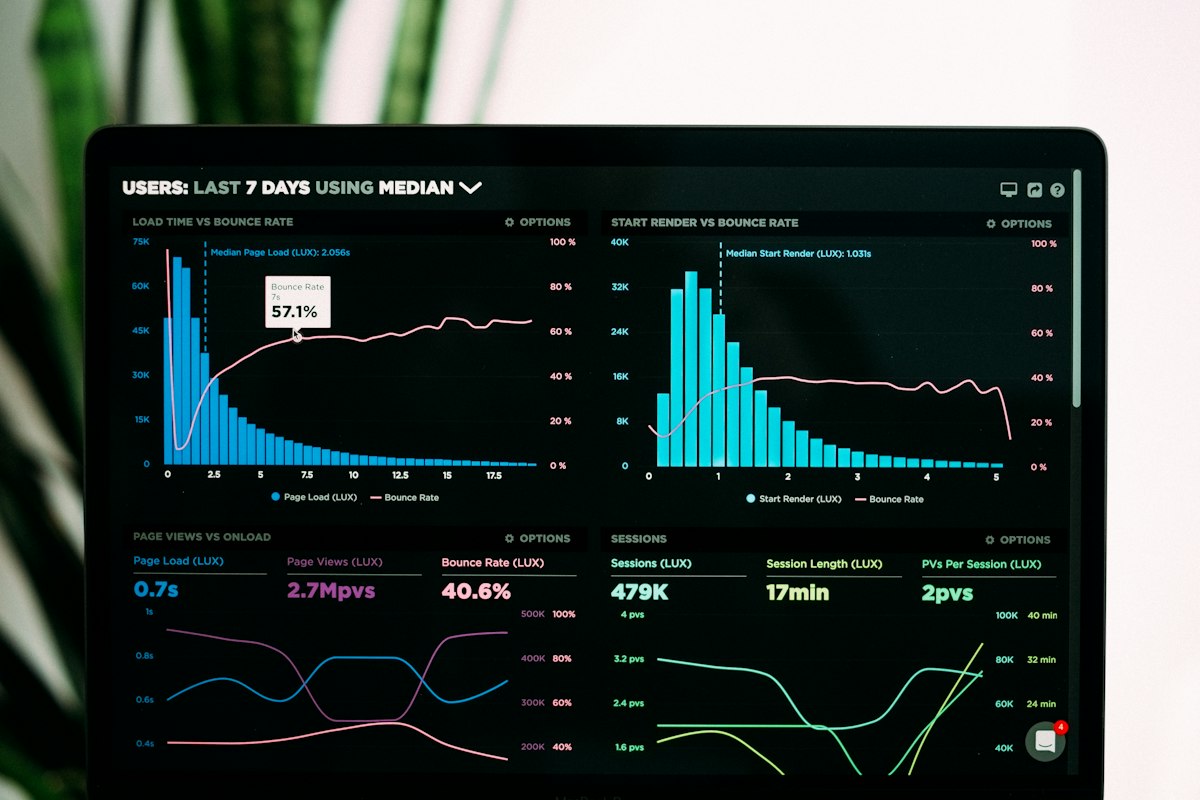
Google now ranks sites partly on Core Web Vitals, and most visitors abandon a page that takes more than three seconds to load. A slow cart or booking page bleeds revenue even when the rest of the site looks great.
We profile your site end to end — images, database queries, render-blocking scripts, server response time — and fix the actual bottlenecks instead of installing a caching plugin and hoping for the best.
19+
Years optimizing sites
2,168+
Clients served since 2007
Measured
Before-and-after speed testing
WHAT'S INCLUDED
Full-stack speed optimization
Core Web Vitals Fixes
Targeted fixes for LCP, CLS, and INP so your pages pass Google's real-world performance thresholds.
Image Optimization
Compression, modern formats like WebP/AVIF, and responsive sizing so images stop dragging down load time.
Caching Configuration
Page, object, and browser caching tuned for your specific plugin stack and traffic patterns.
Database Cleanup
Removing bloated revisions, transients, and orphaned tables that slow down every query on your site.
Code Minification
CSS and JavaScript combined, minified, and deferred so the browser isn't blocked waiting on render-blocking assets.
CDN Setup
Global content delivery so visitors load your site from a server near them, not across the world.
OUR PROCESS
From sluggish to sub-second
01
Discovery
We run Lighthouse, GTmetrix, and server-level profiling to pinpoint exactly what's slowing your site down.
02
Build
Images, code, database, and caching are optimized in order of impact, biggest wins first.
03
Review & Test
We re-test Core Web Vitals across mobile and desktop and confirm nothing broke visually along the way.
04
Launch & Support
Changes go live with monitoring in place so performance stays fast as you add new content.
COMMON QUESTIONS
Website Speed Optimization FAQs
What does speed optimization include?
We work on Core Web Vitals, image compression and modern formats, caching, database cleanup, CSS and JavaScript minification and deferral, and CDN setup. Which of these matter most depends on what the audit shows for your site.
How do you find out why my site is slow?
We test with tools like Lighthouse and GTmetrix and also profile the server, looking at images, database queries, render-blocking scripts and server response time. That way we fix the real bottlenecks instead of just adding a caching plugin on top.
How much faster will my site get?
It depends on where you start, your hosting, your theme or page builder and how many plugins you run. We measure before and after on mobile and desktop and share the results, rather than promising a figure in advance.
Will a faster site rank higher on Google?
Page experience is one of the signals Google uses, and faster pages are better for visitors and conversions. Rankings also depend on content, links and competition, so we do not guarantee positions.
Do I need to change my hosting?
Not always. If the server turns out to be the bottleneck, we say so and explain the options, and we only recommend an upgrade or move when the numbers support it.
Could optimization break my design or plugins?
We take a backup first and test each change on the real pages. Anything that affects layout or functionality is rolled back, since a fast site that does not work is no use to you.
What access do you need?
Usually a WordPress admin login and access to your hosting panel, plus your CDN or DNS account if we are setting one up. You keep ownership of everything, and we remove our access when the work is finished.
Will my pages be tested on mobile as well?
Yes. Most visitors are on phones, so we retest Core Web Vitals on both mobile and desktop and check the pages visually before calling it done.
How do I keep the site fast as it grows?
New images, plugins and content slowly add weight, so speed needs a check now and then. You can add monitoring or a monthly support plan, or come back for another tune-up when you need it.
Can you speed up a site you did not build, and how do I start?
Yes, and we can discuss it in English, Telugu or Hindi. Start with a speed audit: contact us with your site address and we will tell you what is slowing it down.
EXPLORE MORE
Related Services
Ready to stop losing visitors to a slow site?
Get a free Core Web Vitals audit and see exactly what's holding your site back.
Get a Speed Audit